
Locked Out by a Four-Digit Code: The Smallest Part of Your Garage Door Causes the Biggest Annoyance
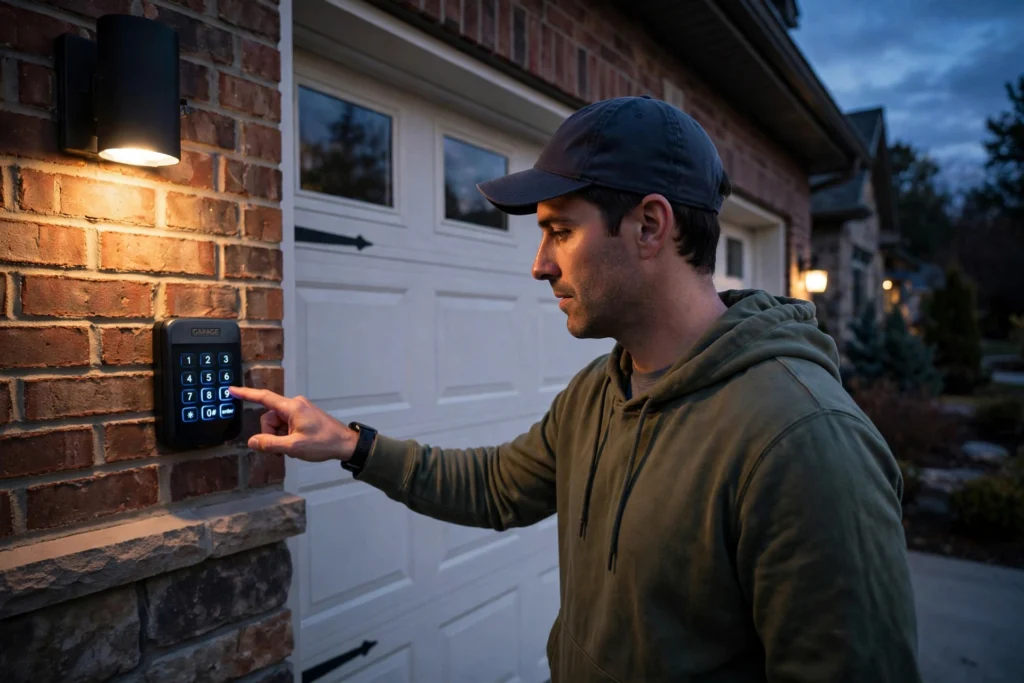
The wireless keypad beside your garage door is supposed to be the simple backup plan. Your hands are full of groceries, the remote is inside the car, and the keypad is how you get in. So when it stops working, the frustration is out of all proportion to the size of the thing. You stand in your own Richardson driveway, typing the same four digits as always, and the door just sits there.
At Garage Door Pros, keypad calls are some of the most common small jobs we run, and the good news is that most keypad problems have simple causes: a dying battery, worn number buttons, a code the opener forgot after a power flicker, or a keypad that has baked in the Texas sun one summer too many. This guide walks through how to tell those problems apart, when reprogramming fixes it, when replacement is the honest answer, and the code security steps every homeowner should take, especially after moving into a new home.
Start With the Battery: Dead Battery Signs vs. a Keypad That Is Really Failing
Before anything else, suspect the battery. Most wireless keypads run on a small battery you can swap yourself, often a 9-volt or a pair of AA batteries, and a weak battery rarely fails all at once. It fades, in a pattern that looks a lot like bigger problems.
A dying battery usually announces itself like this: the keypad works, but only after you press the code twice. The buttons feel unresponsive in cool morning weather and better by afternoon. The backlight is dim or uneven. The door opens only when you stand a few feet closer than you used to, as if the keypad has lost its reach. If your keypad has been doing any of that, a fresh battery is the first fix to try, and it costs almost nothing.
A keypad that is genuinely failing behaves differently. The battery is new and the problems stay exactly the same. One specific number button never registers, no matter how firmly you press it. Or the keypad lights up, accepts the code, and nothing happens, every time, while your car remote still works fine. That pattern points past the battery to the keypad itself or its programming, and the sections below sort out which.
One more battery tip: heat shortens battery life, and a keypad mounted in direct afternoon sun on a west-facing wall in neighborhoods like Richardson Heights lives a harder life than a shaded one. If you are changing batteries far more often than you used to, that is information too: the keypad may be drawing power it should not, or its battery contacts have corroded.
It Works Sometimes, Then It Does Not: Reading the Intermittent Keypad
An intermittent keypad is the most confusing version of this problem, because every fix seems to work for a day. In our experience, “sometimes” problems usually come from one of four causes, and each leaves a clue.
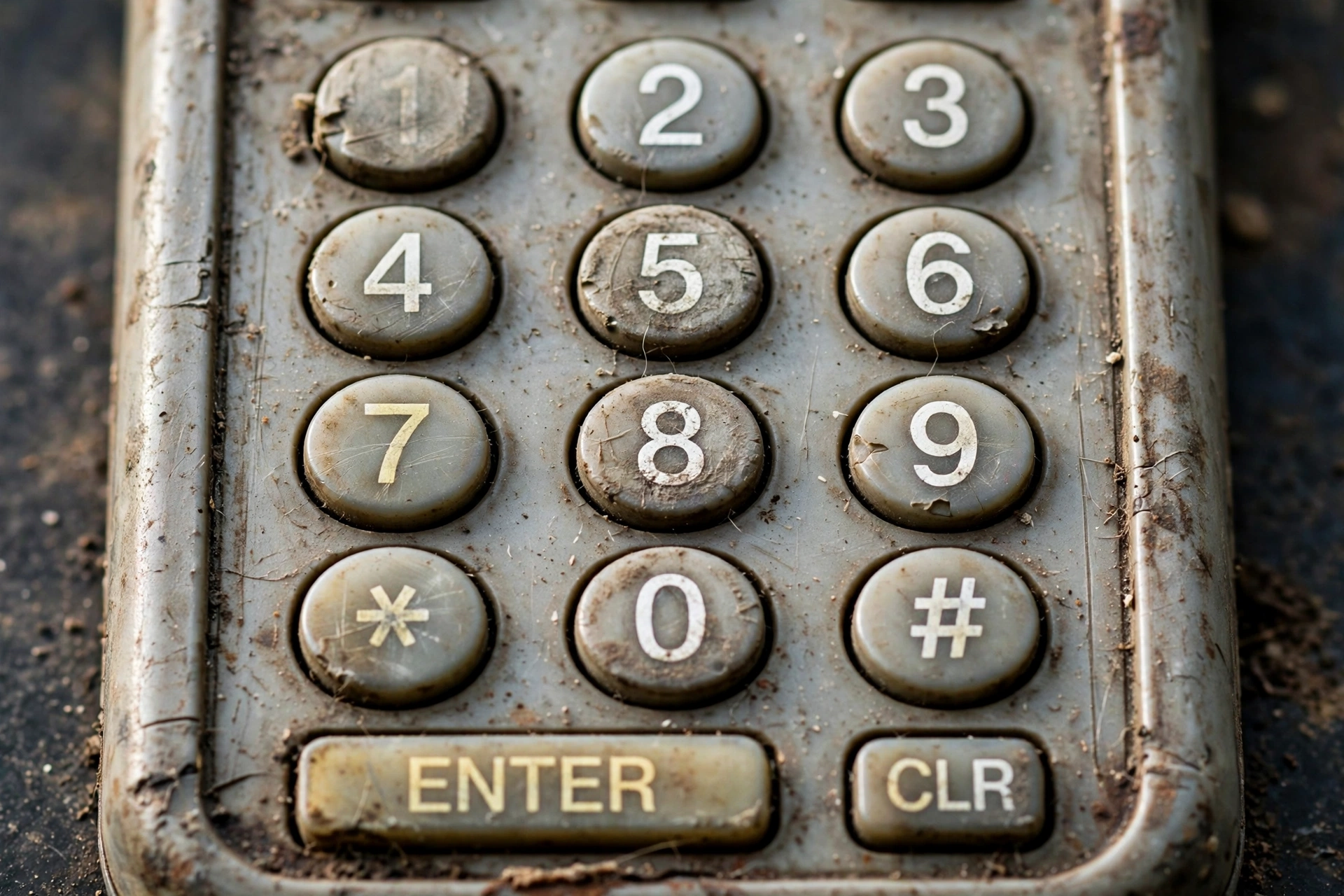
Worn buttons. Look closely at the numbers you press most. On a well-used keypad, the code digits wear smooth and shiny while the unused numbers still look new. A worn button may need a firmer, slower press, which is why the code works when you type carefully and fails when you type fast. If your code starts with one of those polished buttons, that is your culprit.
Weather and moisture. Humidity and wind-driven rain can get inside a keypad whose cover seal has aged, and a keypad that misbehaves after storms but behaves once it dries out is telling you water is getting in. Summer heat does the opposite damage, warping an old plastic housing so buttons sit slightly off their contacts.
Range and signal. A weak signal looks like a dead keypad from the end of the driveway and a working one up close. Batteries cause most of that, but not all. If a fresh battery does not restore normal range, the keypad’s transmitter may be weakening with age.
The honest summary: intermittent problems almost never fix themselves; failures that follow the weather or one stubborn button only get worse. Try the battery first, but if a fresh battery does not change the pattern, you are looking at programming or replacement, not luck.
The Keypad Lights Up but the Door Never Moves: PIN and Memory Problems
Sometimes the keypad itself is fine and the problem is the conversation between the keypad and the opener. The opener stores your code in its memory, and that memory can be lost or scrambled without anyone touching the keypad.
The usual triggers are electrical. Richardson storms bring power flickers and brief outages, and a flicker at the wrong moment can clear an opener’s learned codes or leave its memory confused. A nearby lightning strike can do the same, and so can unplugging the opener for other work. The symptom is distinctive: the keypad responds normally, the buttons beep or light as always, but the opener ignores a code it accepted for years. Your remotes may or may not still work, depending on what got cleared.
There is also a simpler possibility: the code itself changed. A family member reprogrammed it, or the code you are typing is the one from the old house. Before assuming a fault, stand close, type slowly, and watch whether each press registers. If the code is complete and correct and the opener still ignores it, reprogramming is the next step, and it solves the memory problems above in most cases.
If the keypad accepts a new code during reprogramming and the door still does not respond, the problem has moved. A keypad that programs but cannot trigger the door may have a weak transmitter, and an opener that will not learn any device at all has a receiver problem. That is the line where our opener installation and repair team gets involved, because the fix is in the motor unit, not the keypad.
How Keypad Programming Generally Works, Whatever Brand You Own
Homeowners put off reprogramming because they expect a complicated, brand-specific ritual. Button names and locations vary by brand, but nearly every system follows the same pattern, and your opener’s manual fills in the specifics.
The general sequence goes like this. First, you put the opener into learning mode, usually by pressing a learn button on the motor unit hanging from the ceiling. That button is often colored and sits near a small indicator light, which tells the opener to listen for a new device for a short window of time. Second, while that window is open, you type your PIN on the keypad and press its enter key, sometimes more than once. Third, the opener confirms, often with a click or a flashing light, and the code is stored.
Changing a code on a keypad that already works is shorter: many keypads let you enter the current code, press a program key, then enter the new code. Clearing everything is the stronger move when security is the concern. Most openers can erase all learned remotes and codes at once, typically by holding the learn button until the indicator light goes out. Every device must then be taught again, a few minutes each, and no forgotten code can still open your door.
Two habits make programming painless. Work with the door closed, and test the new code twice before you rely on it. And write the new code somewhere private indoors, not on the garage wall, where we find codes written beside the door more often than you would expect.
Reprogram It or Replace It? How to Make the Call
Reprogramming is free and takes minutes, so it is nearly always worth trying once. Replace the keypad when the evidence says the hardware is done. Here is how the decision usually breaks down.
Reprogram first when: the keypad stopped working right after a power outage or storm; you just moved in and inherited an unknown code; the buttons all register cleanly and the keypad lights up normally; or a fresh battery made it respond but the code itself is rejected.
Replace when: one or more buttons are worn, cracked, or unresponsive; the housing is cracked, the cover hinge is broken, or the seal has failed and moisture gets inside; the battery contacts are corroded or the compartment door no longer stays shut; the keypad works only at very close range even with a new battery; or it is simply old, sun-bleached, and unreliable in the heat. A keypad lives outdoors full time, and Texas sun and storms age it fast.
Compatibility is the one thing to get right when replacing. A new keypad has to speak the same radio language as your opener, and that language changed across generations of openers. Universal keypads cover many systems, and brand-matched keypads remove the guesswork. When we replace a keypad during an opener installation and repair visit, we pair it, test the range from the street, and set your new code with you standing there, so the job ends with everything working.
A keypad battery check and a code review also fit naturally into a preventative maintenance tune-up, where the same visit covers lubrication, balance, safety sensors, and the door hardware itself.
Just Moved Into a Richardson Home? Change the Garage Code Before You Unpack
Richardson homes in established neighborhoods change hands every month. Almost every buyer remembers to rekey the front door. Far fewer think about the garage, even though it is often the largest door into the house and usually connects straight into the kitchen or laundry room.
Consider who may know that code. The previous owners, obviously. Their kids, their house cleaner, their dog sitter, the contractor who did the pre-sale repairs, and every agent who showed the home. Codes get shared casually over the years in a way front door keys never do, because a code feels less serious to hand out. It is not less serious. Anyone with that code can open your garage whenever they like.
The fix is the full reset described above: erase the opener’s memory completely, then re-teach only your remotes and set a brand new PIN. Do not just change the keypad code and leave the memory intact, because on many systems an old code stored in the opener can still work. Pick a code that is not your house number, ZIP code, or a birthday, since those are the first guesses anyone would try. Done during move-in week, this is the cheapest home security upgrade there is.
Temporary Codes: Letting People In Without Giving Away Your Main PIN
Once your own code is set, there is a smarter way to handle people who need garage access from time to time: weekend guests, a house sitter, a neighbor feeding the cat.
Many keypads and openers support a temporary PIN alongside the main one. You program a second code and limit it, by number of uses or by a set window of hours, depending on the system. When the limit runs out, the temporary code stops working on its own, and your main code was never shared. Not every keypad offers this, and the setup is among the most brand-specific steps in this guide, so check your manual for “temporary PIN” first.
Where a temporary code is not available, the protective habit is simpler: change the main code after any stretch where it was shared widely, for example after a renovation crew finishes. It takes two minutes once you know the pattern, and it beats wondering who still has the old one.
When the Keypad Is Not the Problem at All
A keypad gets blamed for many problems that live elsewhere. Before you buy a replacement, run this separation test: try the door with your car remote and with the wall button inside the garage. If neither works either, the keypad is innocent and the opener itself needs attention: it may have lost power, tripped a breaker, or developed a receiver or logic board fault. Our guide to a garage door opener not working walks through those checks in order.
If the wall button works and the remote works but only the keypad fails, you are back in keypad territory: battery, buttons, programming, or the keypad itself. That three-device test takes one minute and saves most homeowners from replacing the wrong part.
Frequently Asked Questions
Why does my garage door keypad work sometimes but not others?
Intermittent keypads usually trace back to a fading battery, a worn number button, moisture inside the housing, or heat affecting an aging keypad. The pattern is the clue: failures after rain suggest moisture, failures in afternoon heat suggest a tired keypad or battery, and failures when you type fast suggest a worn button. Start with a fresh battery; if the pattern does not change, the keypad itself is the likely cause.
How can I tell if it is the battery or the keypad that has failed?
Put in a brand new battery and test carefully. A battery problem improves immediately and stays improved. A failing keypad keeps its exact symptoms: the same dead button, the same refusal to trigger the door, the same short range. If your remote and wall button work and the keypad does not, even with a new battery, the keypad or its programming is at fault.
I forgot my keypad code. Can I reset it without the old PIN?
Yes. On most systems you do not need the old code, because the reset happens at the opener, not the keypad. Put the opener into learning mode from the motor unit, then teach the keypad a new PIN. For a clean slate, erase the opener’s memory first and re-teach your remotes too. The exact buttons differ by brand, so check the manual or the label on the motor unit.
Should I change my garage door code when I move into a new home?
Yes, and a full memory erase is better than a simple code change. Sellers, agents, cleaners, and contractors may all know the old code, and on many systems an old code can linger in the opener’s memory after the keypad gets a new one. Erasing everything and setting fresh codes takes a few minutes and means only your household can open the garage.
How long does a wireless keypad last before it needs replacing?
There is no fixed lifespan, because a keypad lives outdoors and its life depends on sun, storms, and how often it is used. A shaded keypad can serve reliably for many years, while one baking on a west-facing wall ages much faster. Worn buttons, cracked housings, corroded battery contacts, and shrinking range are the signs replacement time has arrived, whatever its age.
Keypad Trouble? We Will Sort It Out in One Visit
Most keypad problems are small: a battery, a reset, or a keypad that has given its best years to the Texas sun. If you have worked through these checks and yours still will not cooperate, or you would rather hand the programming to someone else, we are glad to help. Call (855) 496-0527 today, or get a free quote and tell us what your keypad is doing. Garage Door Pros is based at 1407 E Campbell Rd #1000, Richardson, TX 75082, and we repair and replace keypads and openers across the city.